Managing the warehouse
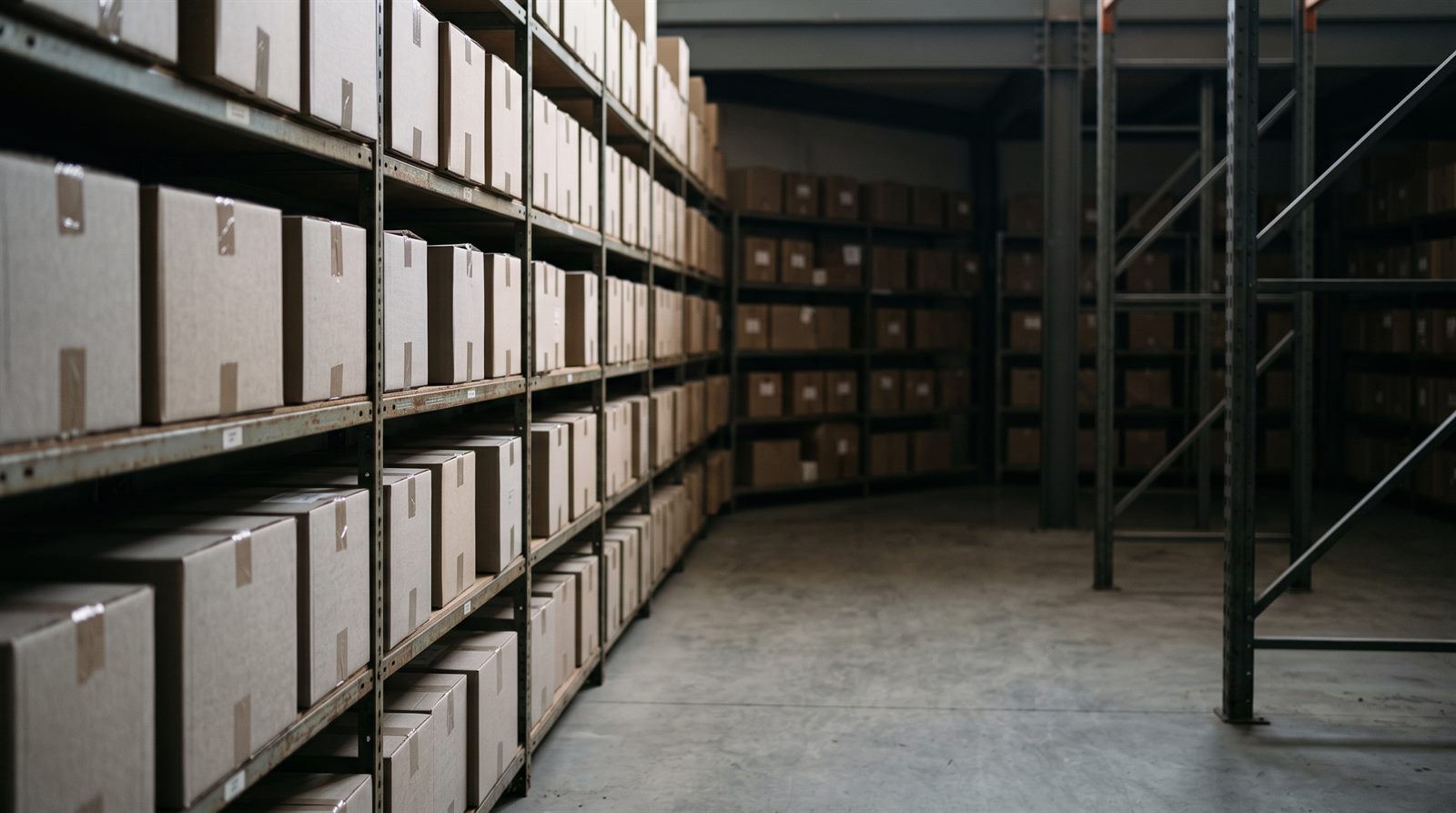
The warehouse is where Powergest keeps count of what you have. This explains how to create a warehouse, how to view and correct stock, how to count your stock and how to follow the traceability of a batch or a serial number.
Where do I start?
By having a warehouse. It is independent master data and needs nothing beforehand: it is created before items and before documents. Without at least one active warehouse, sales and purchases have nowhere to move quantities. The first step is to add a warehouse, which also explains how to edit it and how to deactivate it.
After that, you normally don’t touch anything by hand again: documents move the quantities. A delivery note takes stock out; a purchase puts it in. Correcting by hand is possible, but it is the exception.
How much of an item do I have?
Each item has a Stock tab with its stock in a specific warehouse. That is where you look at the quantities and, if needed, correct them: view and correct an item’s stock. The tab always works on one warehouse, the one you choose at the top.
To see the whole warehouse instead of a single item, there is the report: run the stock report. It tells you how much of each item there is in each warehouse, how much is reserved, how much is committed by orders and how much is still available. You can view it on screen and print it as a PDF.
What has moved today?
Latest movements is the company's diary: one line per document that has moved something, with who, how much and what state it ended up in, and one click takes you to the document that did it. It is explained in the latest movements (in Spanish).
Not to be confused with the above: here you see the documents that move the warehouse, not how much there is of each item.
How do I match what the program says with what is on the shelf?
By counting. You enter what you counted in Stock count and the program sets the stock to that figure: count the warehouse and balance the stock. This is what is called a stock adjustment, and you need edit permission on Warehouse to apply it.
Items with traceability aren’t counted there. Their quantity only moves with stock-in or stock-out documents, so as not to break the chain.
How do I change the prices of many items at once?
With a percentage or an amount, for a range of items or families, seeing every price with its before and after first: change prices in bulk.
How do I move quantity from one warehouse to another?
There are two ways and neither is a transfers screen, because there isn’t one: you ask the assistant, which does it in a single action, or you correct by hand the stock of both warehouses on the item record. Both are explained in move stock between warehouses. The item can’t have batch or serial number traceability.
And what if I need to know where each unit came from?
Then you need traceability, and there are two ways depending on what you sell.
A batch groups units that came in together, with the code the supplier put on the label, and it can have an expiry date. This is what inspections require in food and pharmacy: work with batches and expiry dates.
A serial number identifies one specific unit —an appliance, a machine, a piece of equipment—, and the ERP always knows where it is and who it was sold to: work with serial numbers.
Both are switched on per company, in Settings → Warehouse and production → Warehouse, and they aren’t a preference of each user: if your company doesn’t have them switched on, those screens don’t appear.
How do I show where a batch came from in an inspection?
With the traceability query: follow the traceability of a batch or a serial number. It answers the two questions an inspector asks and that resolve a product recall: where that batch came from, and who we delivered it to.
For paper, and to follow a batch through production to the customers of the manufactured product, there are the batch and traceability reports: the same ones as in the batch menu of the Desktop ERP.
The ERP rebuilds it on its own from the stock movements, and here is the important point: the chain is built from the stock movements of issued documents. Manual stock corrections don’t create a stock movement, so they don’t appear in the chain.
What really happens when stock moves?
A document that moves stock doesn’t change a number: it records a stock movement. That is the difference that explains everything else.
That is why the report can separate what is reserved from what is available, why traceability is rebuilt without anyone maintaining it by hand, and why a manual stock correction —which leaves the quantity right, but with no stock movement behind it— doesn’t then appear in a batch’s chain.
More about Warehouse
- How do I raise or lower the prices of many items at once?
- How do I view and correct an item’s stock?
- How do I count the warehouse and balance the stock?
- How do I add a warehouse?
- What batch and traceability reports do I have?
- How do I move stock from one warehouse to another?
- How do I run the stock report?
- How do I follow the traceability of a batch or a serial number?
- How do I work with batches and expiry dates?
- How do I work with serial numbers?
- How do I work with sizes and colours?