Product documentation
Powergest manual
The complete Powergest guide: how to invoice, keep the accounts and VAT, control the warehouse, sell online and at the counter, and follow up your customers. Each task explained step by step, with real examples.
- 379 pages
- 31 topic groups
- Updated on 22 November 2026
User guide
31 modules Appointments and bookings: your business diaryHair salons, law firms, garages, clinics or academies all work the same way: someone attends, sometimes in a specific place, a customer who has…
 Bringing data in from another programmeThe Data import wizard loads an Excel or CSV file and creates the ERP records from it. If your data comes from Powergest, there is a shorter route…
 Collecting and paying with PowergestAll the money that comes in and goes out is handled from the same place: the instalments that invoices leave behind, the open items of what is…
 Companies and financial yearsThe program always works inside a company and, within it, a financial year. Those two things decide what data you see. Here is how to sign up, how…
 Connecting the bank and reconciling the statementThe ERP can read your accounts’ statement on its own and compare it with what you have already recorded. What matches is closed practically on its…
 Deciding who can do whatPermissions decide which options each person sees and what they can do in them. They are handed out by role —a named set of permissions— and…
 Email inside the ERPThe ERP has a mailbox built in: you read and write your usual email without leaving the program. Each user links their own email account and only…
 Filing your taxesThe ERP prepares the Tax Agency forms from what is already recorded —the VAT register, the withholding register and the accounts—, lets you review…
 Follow up your customers with the CRMThe CRM stores the people you talk to and keeps track of where each sale stands. Contact records, a pipeline of boards that deals move through, a…
 Getting around the programThe side menu, the search box in the top bar and workspaces are the three ways to get to any screen in the ERP. Each person can arrange their menu…
 Import your suppliers’ invoicesThe program reads the PDFs your suppliers send you and turns them into ERP purchase invoices, without typing them in. You upload the files from…
 Invoicing with PowergestEverything you issue to a customer —quote, sales order, delivery note and issued invoice— is done from the same screen and with the same keys.…
 Keeping the accountsThe ERP’s accounting feeds itself from what you invoice and buy, and lets you type in by hand whatever doesn’t come from a document. From here you…
 Mailing: newsletters, lists and who you can write toWith Powergest mailing you send newsletters: one email to many people at once —your customers, your CRM contacts, a list you have prepared—,…
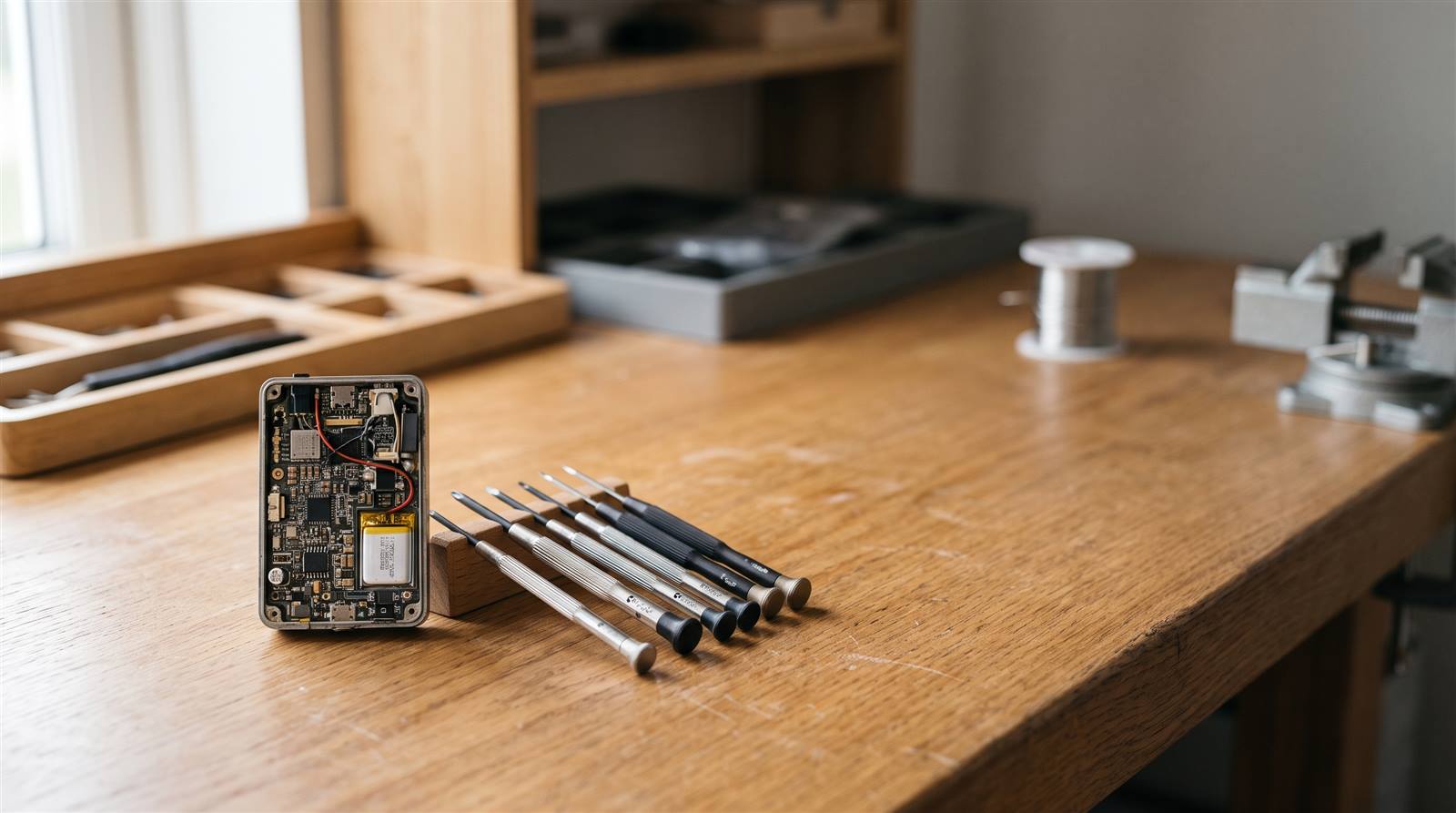 Managing technical service: faults, repairs and invoicingWhen a customer brings in faulty equipment, or you go to their home to repair it, the program tracks it with a service report: what is wrong, who…
 Managing the warehouseThe warehouse is where Powergest keeps count of what you have. This explains how to create a warehouse, how to view and correct stock, how to…
 Managing VAT with PowergestThe VAT register fills itself: each invoice records its lines when it is issued. The period’s VAT returns are prepared from that register, and the…
 Marketing: Google Ads campaigns, newsletters and your websiteWhat Powergest does so people find you and buy from you: the campaign panel prepares Google Ads campaigns knowing how much you can pay for each…
 Organising work with tasks and schedulesA task is something someone has to do: prepare an order, call a customer, check a delivery note. A schedule is something the ERP does on its own:…
 Producing and assembling itemsWhen what you sell is made from other things you buy, the ERP needs to know the bill of materials. With it, it knows what to consume when you…
 Purchasing with PowergestPurchases handles everything you buy from a supplier, from the first quote to the invoice you receive. It uses the same documents and the same…
 Running reports and formatting documentsEverything that comes out on paper or in a file goes through here. Reports extract data from the ERP as a table; document layouts decide what the…
 Search visibility: your website inside the ERPSearch visibility brings the content map of your company’s websites into the ERP: all their pages, what each one says and which Google search it…
 Selling at the counter with the POSThe POS is the counter screen: you scan the items, take payment and the receipt comes out. A receipt isn’t a separate document, it is a sales…
 Selling on the road with tabletsThe sales rep shows the catalogue with its photos on the tablet, takes the order in front of the customer and nobody has to type it in again. The…
 Selling online with the ERP behind youYour online store shows the shop window; the ERP keeps the books. Powergest publishes the catalogue with its photos, keeps stock and prices up to…
 Store terminals: price checker and stock readerA terminal is a tablet with a barcode scanner placed in the store or in the warehouse. Connected to the ERP it does two jobs: it shows the price…
 The ERP home screenThe home screen is the first thing you see when you log in. It brings together in cards what matters for your work —some figures, charts, what you…
 The records the whole ERP works withMaster data are the base records: the item you sell, the business partner you sell to or buy from, the prices you work with and the currencies you…
 Working with the assistantThe assistant is the ERP’s conversation window. You ask it in plain language and it answers about the program’s manual and about your company’s…
 Writing expressionsAn expression is a short formula that calculates a value: the amount including VAT of a line, a label depending on the total, an instalment due in…