Selling online with the ERP behind you
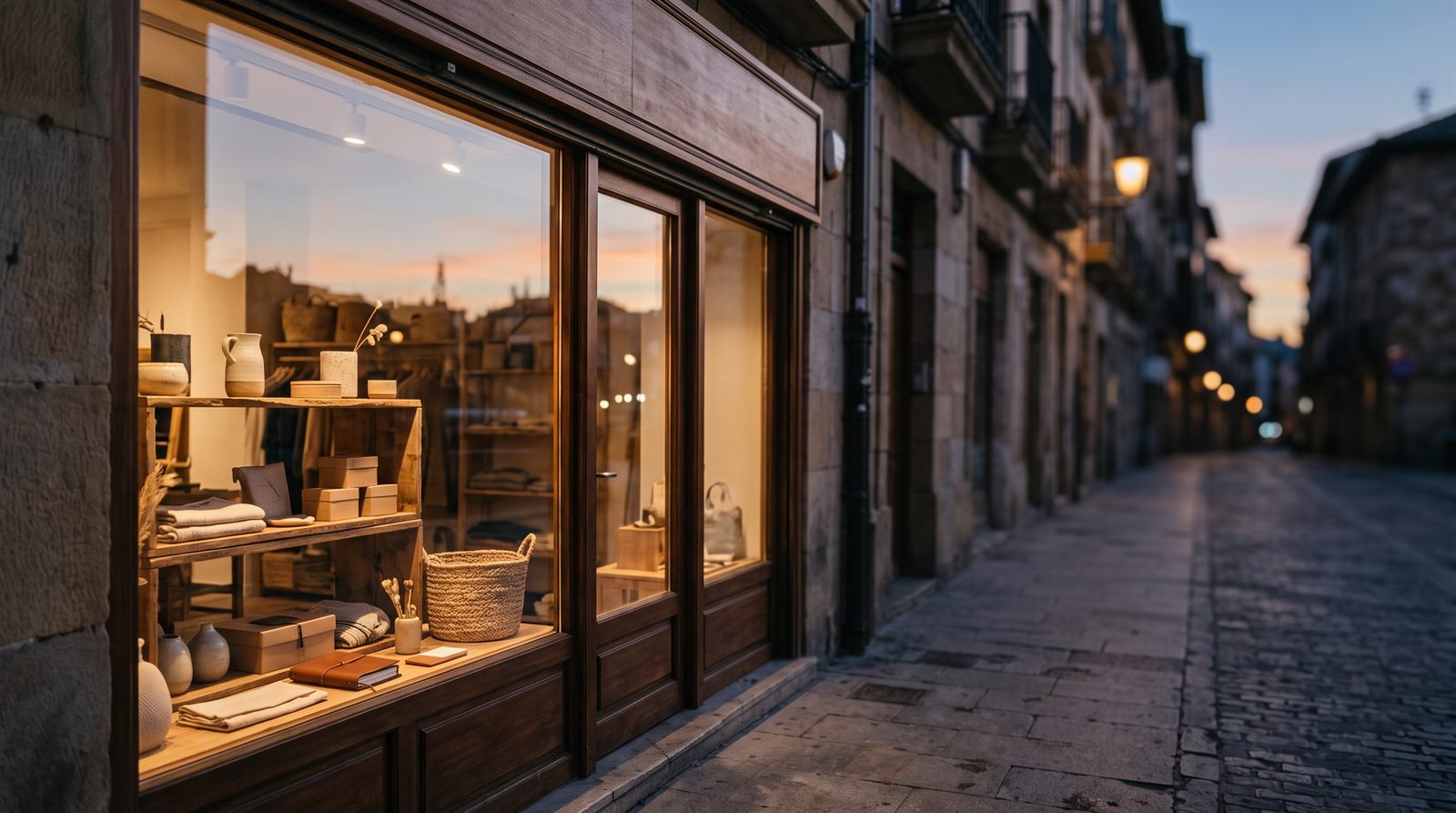
Your online store shows the shop window; the ERP keeps the books. Powergest publishes the catalogue with its photos, keeps stock and prices up to date on its own, and brings in the orders that come through the website to turn them into sales orders with their stock reservation.
What exactly does this connection do?
It joins your e-commerce site to the ERP in both directions. Going to the store are the web categories, the items with their descriptions and images, the stock and the prices. Coming to the ERP are the orders and the customers who placed them.
Everything is handled from a single place, Digital channels → Online store, with one tab per task. The first step is to tell the ERP where your store is and which keys to log in with: connect my online store, which also explains which platforms it connects to today —PrestaShop, WooCommerce and Shopify— and why it is a good idea to try it first against a test store.
What if my store has been selling for years?
Then there is a required step before publishing anything, and the ERP blocks itself until it is done: link a store that already has products.
The reason is easy to see. A product that has been in the shop window for a while has a value that isn’t on its record: its public address, its ranking in search engines and the orders that already refer to it. If the ERP published its catalogue without looking, it would create new products next to the ones that already exist: duplicates in the store and old addresses pointing to orphaned records. Adoption matches each product in the store with its item in the ERP, without recreating anything.
How do I decide what is shown and in what order?
By dragging. The store catalogue is a tree of web categories that you build, separate from the warehouse item families: prepare the store catalogue. That is where you decide which items go under each category, what is published and what stays in draft, in what order it appears, how its address is written and which images each one has —including a different photo for each colour—.
When what you sell is chosen by how it looks and not by its name, there is one more step: show colours and materials with a photo. A texture is the image of a colour, a fabric, a wool or a finish, and with it the shopper clicks a photo instead of reading ‘Blue border’ in a list. Today they only go to PrestaShop stores.
Do I have to remember to update the stock?
No. The ERP keeps it up to date on its own, and you only need to understand what goes and when: keep stock and prices up to date. That page explains the Sync and Publish changes buttons, exactly which stock is published, which price is sent and where to check whether a send went well —every sync is logged and can be looked up—.
How do the orders reach me?
On their own. The ERP asks the store for new orders every few minutes and leaves them in an inbox, in the Orders tab: receive the store orders. From there each web order is converted into an ERP sales order, with its customer, its lines and its stock reservation.
What can’t be converted —an item that isn’t recognised, a total that doesn’t add up— isn’t lost: it stays in the inbox with the cause written down, so you can fix it and try again.
The customers who have bought through the website are shown in their own tab: who the customers who buy on the website are. They aren’t a separate file or a new record; they are your usual customers, filtered by having come in through the website, and anything you want to change about them is changed on their normal record.
Each paid order also brings its receipt: what it was paid with, when and how much. You see them, and say how to handle each of the store’s payment methods, in the Receipts tab: the store receipts.
What changes on the day the store is connected?
You stop keeping two inventories. Before, the shop window and the warehouse were two truths that someone had to reconcile by hand; once connected there is only one, the ERP’s, and the store is the place where it is shown.
In practice you notice it in three things: nobody types in again an order the buyer already wrote, an item that has sold out stops being sold without anyone rushing to hide it, and a price change is made once and gets there on its own.
More about Online shop
- How do I view and prepare my online store’s receipts?
- How do I show colours and materials with a photo instead of their name?
- How do I connect my online store to the ERP?
- How do I link a store that already has products?
- Who are the customers who buy on the website?
- How do I keep stock and prices up to date in the store?
- How do I prepare my online store’s catalogue?
- How do I receive the orders from my online store?