Store terminals: price checker and stock reader
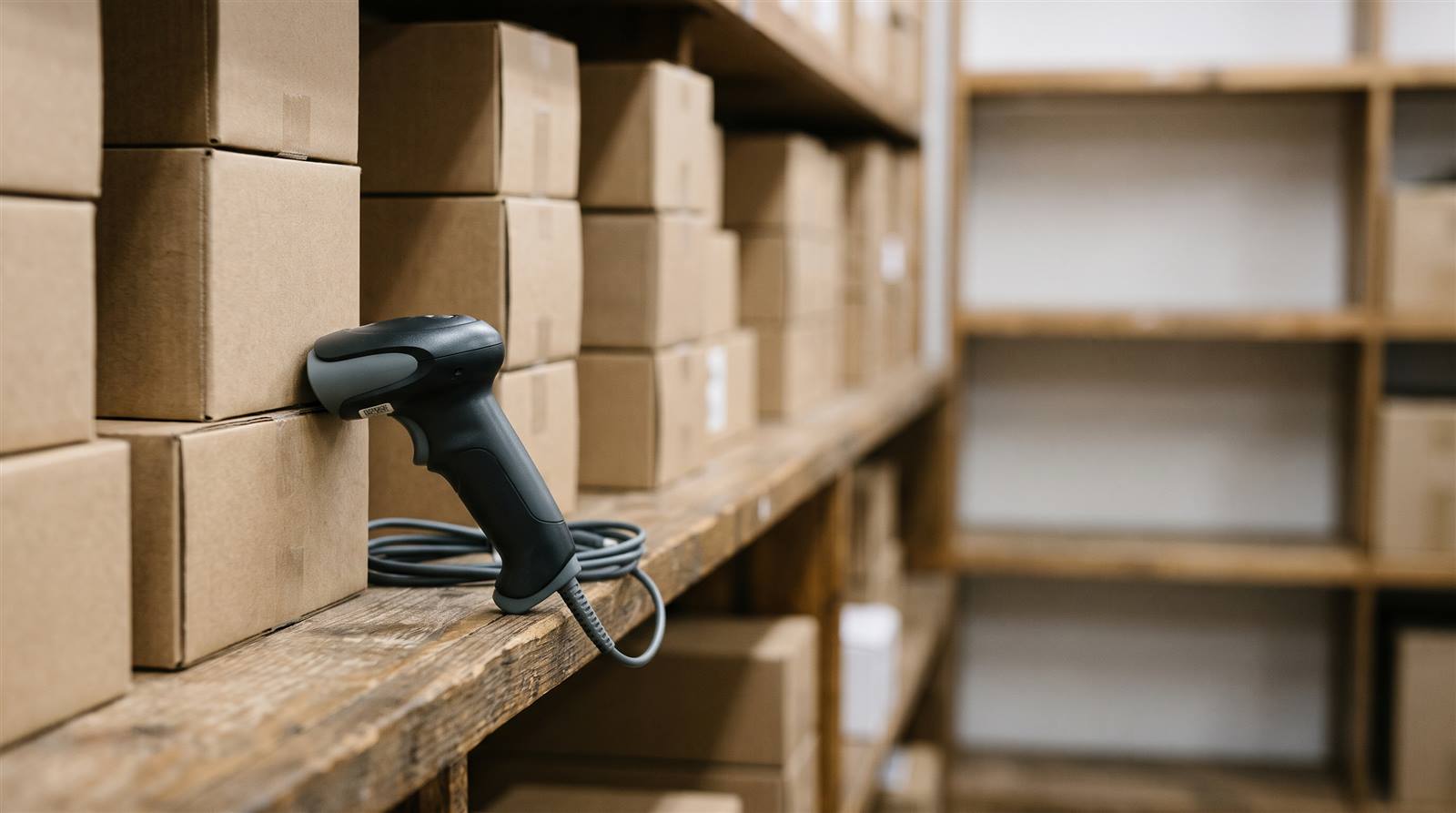
A terminal is a tablet with a barcode scanner placed in the store or in the warehouse. Connected to the ERP it does two jobs: it shows the price to the customer who scans a product, and it lets your team check, correct and count the stock without going to the computer.
What is a terminal for?
It has two modes, and it is the same device for both.
In Price checker mode it faces the public. The customer scans a barcode and sees the name of the product, its photo and the price including VAT: the same amount they will be charged at the till, because the ERP calculates it the same way it calculates a sales line. If the item is on offer, they see the reduced price and the previous one crossed out. Nobody has to identify themselves.
In Stock mode it is used by your team. Each person identifies themselves with a short code. From there they can see how much there is of an item in each warehouse, correct it when it doesn’t match the shelf, and count the warehouse against a stock count open in the ERP. Everything that changes is recorded with the name of whoever did it.
What each terminal can do is decided in the ERP, not on the tablet. A terminal that isn’t allowed Stock mode doesn’t offer it, whoever types it in.
Where do I start?
With add and pair the terminal: that is also where you find how to install the app on the tablet, how to add the people who will count stock, and what to do if a tablet is lost.
How the device is used in the store —what the customer sees, how staff log in, how the stock is set and how you count with the tablet even without a connection— is in use the terminal in the store.
To do a stock count with tablets, the count is opened, reviewed and applied in the ERP. It is in count the warehouse and reconcile the stock: the tablets keep adding what they scan to that count, several at once if needed, and you see the scans come in on the screen.
What about the store computers?
The word terminal is also used for the store computers that have the local agent installed: the ones that print without asking, open the cash drawer or read cards. Those aren’t set up in Price checker and stock, but in Settings → POS and terminal settings → Terminals. What each thing on that screen is, how the printer for each document is chosen and what each button is for is in set up the store computers. How to put that program on the counter computer, step by step, is in install the counter program.
What should I know before setting it up?
- It needs a connection. The terminal asks the ERP on every scan. Only the stock count keeps what has been counted while there is no signal and sends it afterwards.
- A repeated barcode doesn’t show a price. If two items carry the same code, the terminal warns you instead of choosing one. You fix it by correcting the record that is surplus.
- Items with a batch or serial number can be checked, but not corrected or counted from the tablet. Their stock is moved with documents.
- Items with sizes are corrected and counted size by size, scanning the label of each one.
- Stock isn’t shown to the public unless you turn it on in the terminal’s record.
- Applying the stock count is the ERP’s job. The tablet counts; reviewing the differences and applying them is done on the stock count screen.